
A Dynamic Hub Built Like A Web App To Market and Manage Your Business

Customizable and Scalable
One Centralized Hub For All Registrations & Lessons
One Centralized Calendar Linked With The Others You Use
Automate Website Updates – Post Team Rosters + Schedules With Automation
Custom Workflows For Each Season, Team, Or Club. Communication Workflows and Automations Linked Directly With Your Main Database
One Centralized Database That Communicates + Automates With All Other Systems! Including Your Website!
Built For Efficiency! Easy To Navigate and Built For Optimizing Workflows
100% Customizable For The Business Owner
Always linked directly with your automation workflows. Start with simple features and explore adding new ones down road. A dynamic website that stays up to date is the easiest way to coordinate communication and market and manage your entire business. A simple way for people to do business with you, while also providing managing and business scaling features.
E

Before You Check Out Those Pages Lets Focus On Solving A Few Problems.
Many of the following solutions can be built on top of your existing set up. You don’t have to change anything!
But……
Sometimes a solution relies on excessive automation and technical set up. There are sometimes simpler ways to organize certain elements of your business, scheduling, and communication. Below are a list solutions/services that might interest you.
One Centralized Calendar
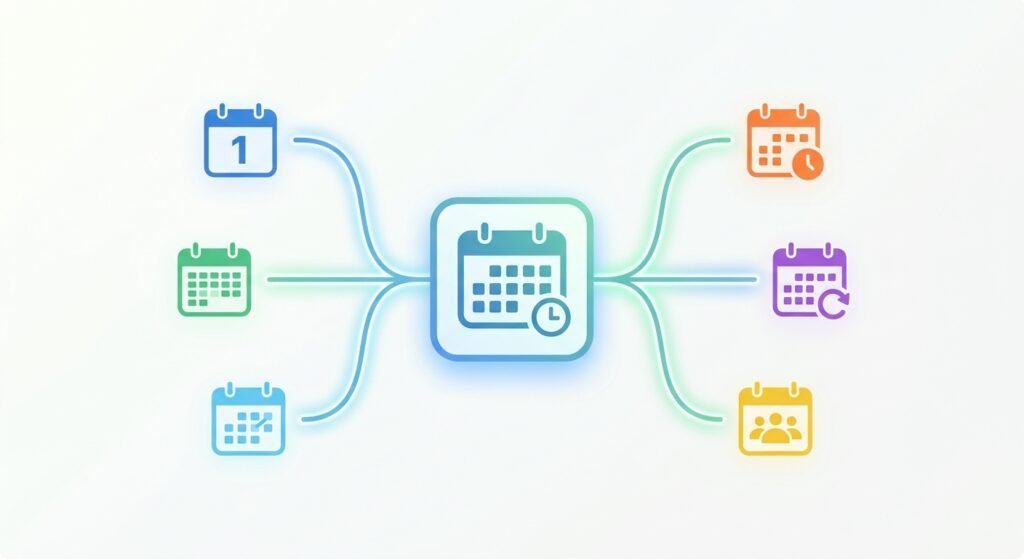
One Master Calendar Syncs With Your Other Calendars And Booking Systems
When one calendar is updated or someone schedules a lesson, your master calendar is automatically updated as well. Customize which calendars you want to view to stay organized and error free. Simplifies scheduling in Gordie Howe Facility.
It Can Do So Much More!
Triggers and Conditions can be built into your calendar to remind you of certain tasks, look for conflicts, and notify you if you have an open field that isn’t booked. Gives you time to pop up a drop in session and get it marketed out to your community.
Certain Calendars can be shared on your website and automated into it as well. Parents can have access to your specific calendar or you can share your game schedules in a different way as well.
Automated Invoice Tracking Workflows
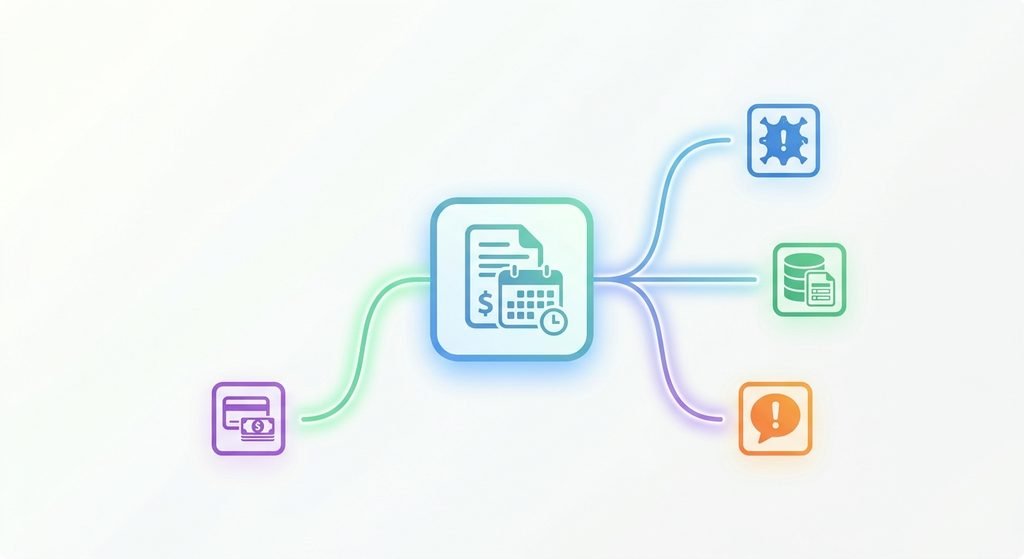
One Centralized Invoice System For Tracking Payments.
Automate how payments are tracked and which invoices are overdue.
Custom triggers and conditions can be added to remind you of unaccounted for payments. When you receive a payment that doesn’t link to an athlete or lesson, a notification gets sent to you.
Optimized Registration + Management Workflows
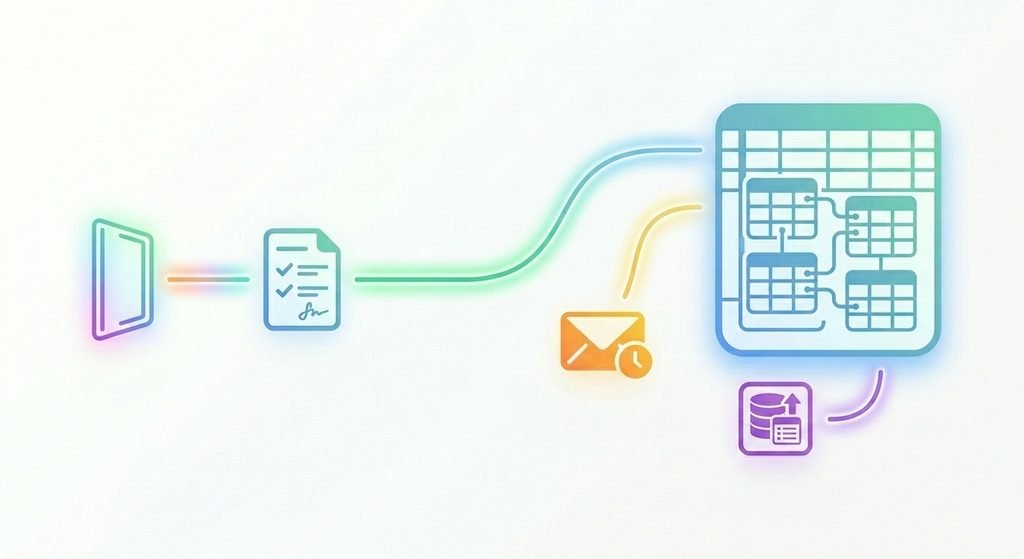
Your Registration Form Connects Directly To Your Optimized and Automated Database
Personalized and customized emails can go out to parents around important dates or deadlines. Everything is adjusted to owner preference and automations and reminders are layered in everywhere.
With an Athletic Hub you can build out your custom workflows for your parents and athletes. Make it easy for parents to register for everything all in one place. Pop up a drop in session and create a registration chain that gets people registering and paying asap. Social media posts can go out and you can try to fill your open field times. Rather than losing a few hundred you can make a few hundred. The dynamic website makes these workflows really easy but they can be done without the website as well.
Custom Database Architecture & Workflow Design
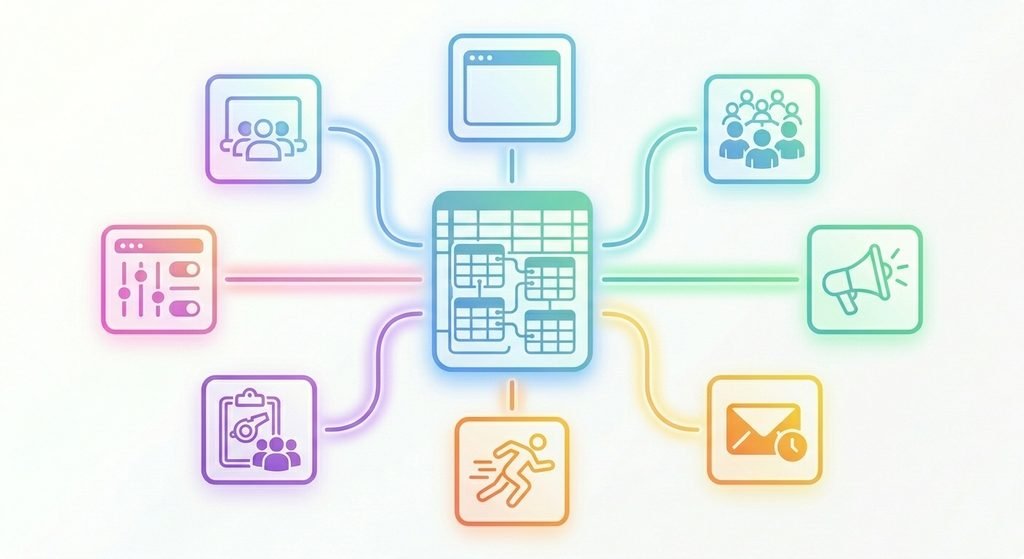
Google Sheets Can Transform Into Automated Management Workflows.
Google is limited at scale and a relational database is worth consideration. It looks and feels like google sheets but it has so many baked in automation and view features that it makes organizing your data so much better. Web apps can be built with your data and automated back into your team portal. Automation and custom views are all linked to one central database. Coach and business portals can be built so you can update your data from your phone or any internet connection.
On the update page I will showcase some of the features a relational database has. I will show you how you could build a simple registration database workflow and use it to manage your entire fall baseball season.
Here Are Some Key Differences Between Google Sheets and Baserow (Relational Database)
True Relational Power – The Linked Data Advantage
Google Sheets: You have a “Rosters” sheet and a “Payments” sheet. To link them, you need complex formulas. If you rename an athlete on one sheet, the other sheet breaks.
Baserow: This is a relational database. We link the Athlete record directly to the Team record and the Payment record. If you update the athlete’s email once, it updates everywhere in the system instantly.
Database Security & Granular Permissions
Google Sheets: If you share a sheet with a coach or employee they can see (and break) your entire database info or accidentally delete a crucial column.
Baserow: We build secure internal views (GUIs). Coworkers, Coordinators, or Coaches only see and edit exactly what they need to (like attendance, schedule, certain player info). Your payment data and master formulas are locked away from human error.
Built for Automation – No More Execution Errors
Google Sheets: When n8n triggers an automation from a sheet, Google often rate-limits the execution. You get random failures or, worse, duplicate data in your sheet.
Baserow: It is built for API integrations. The database architecture is robust and lightning-fast. The connection to your portal and our automations is seamless, consistent, and built for high volume.
The Update Page Shows Some More Specific Features Of A Relational Database And Why It Should Be Considered

Marketing and Managing Services